
Objects
Upload, browse, download, and delete files from the console's Files tab, or use any S3-compatible SDK or CLI.
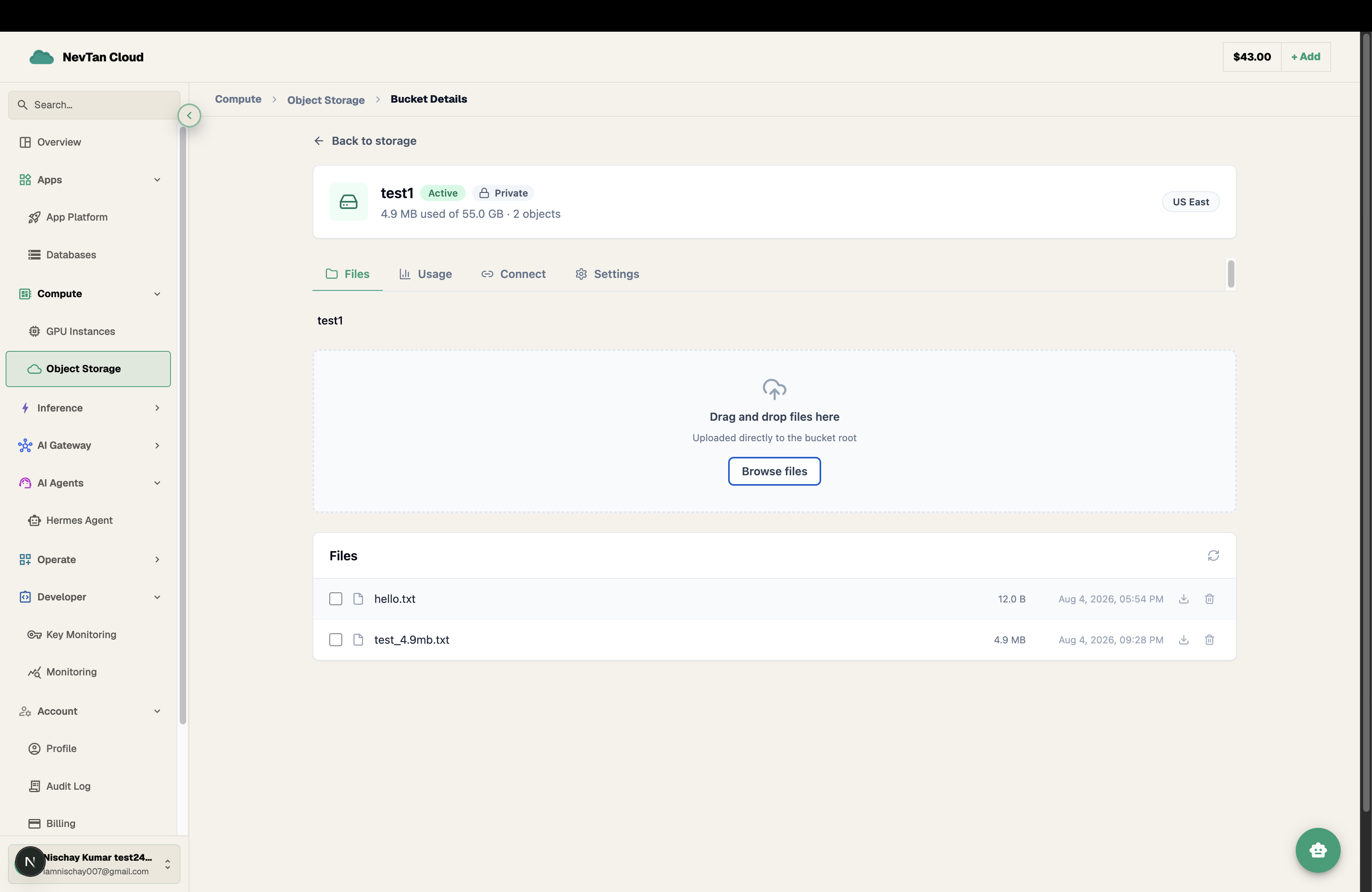
A bucket's Files tab is a full file browser: drag and drop to upload, click through folders (simulated from / in object keys — S3-compatible storage has no real folders), download, and delete — all without leaving the console.
Upload
Drag files onto the drop zone, or click Browse files to pick them from a dialog. Each file uploads with its own progress bar; uploads go straight from your browser to storage, so speed depends on your own connection, not the console.
Download and delete
Click an object's Download icon to fetch it — the console generates a short-lived, secure link and opens it in a new tab. Delete a single object with its row's delete icon, or select several with the checkboxes and use Delete selected to remove them in one step.
Using the API or CLI instead
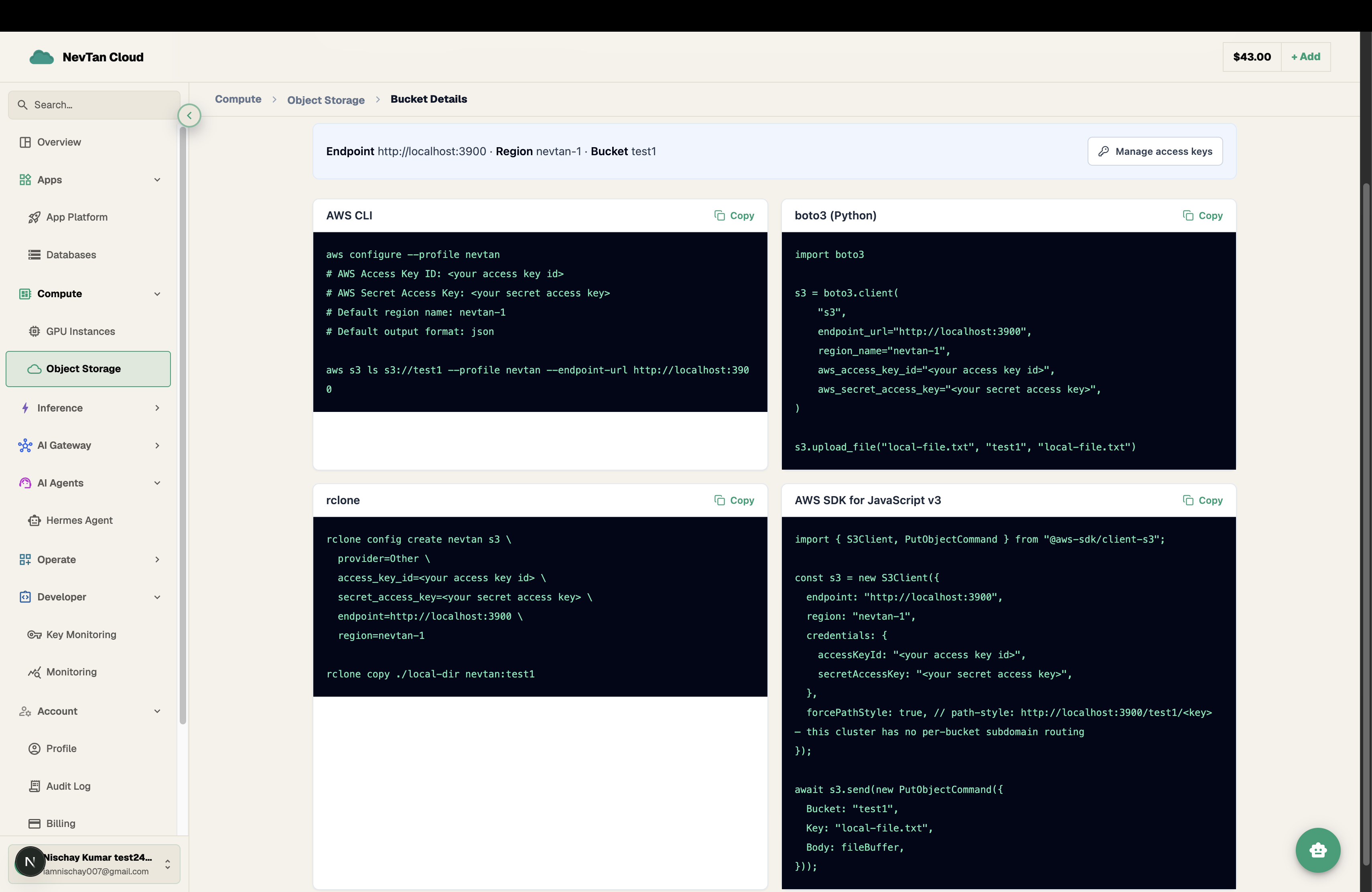
Everything the console's Files tab does is also available through the S3-compatible API with an access key — useful for scripting, CI pipelines, or backup jobs. Each bucket's Connect tab shows the exact endpoint, region, and bucket name to fill into these:
Base: https://api.cloud.nevtan.com/api/v1/storage/buckets/{id}/objectsList objects (and simulated folders) in a bucket/storage/buckets/{id}/objects/presign-putGet a short-lived upload link for a given key/storage/buckets/{id}/objects/presign-getGet a short-lived download link for a given key/storage/buckets/{id}/objectsDelete one or more objects by key